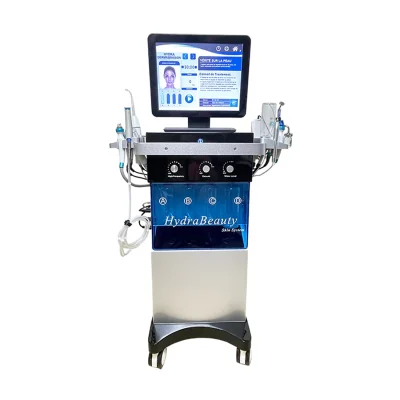
How to install 15 in 1 hydradermabrasion machine?
Accessories
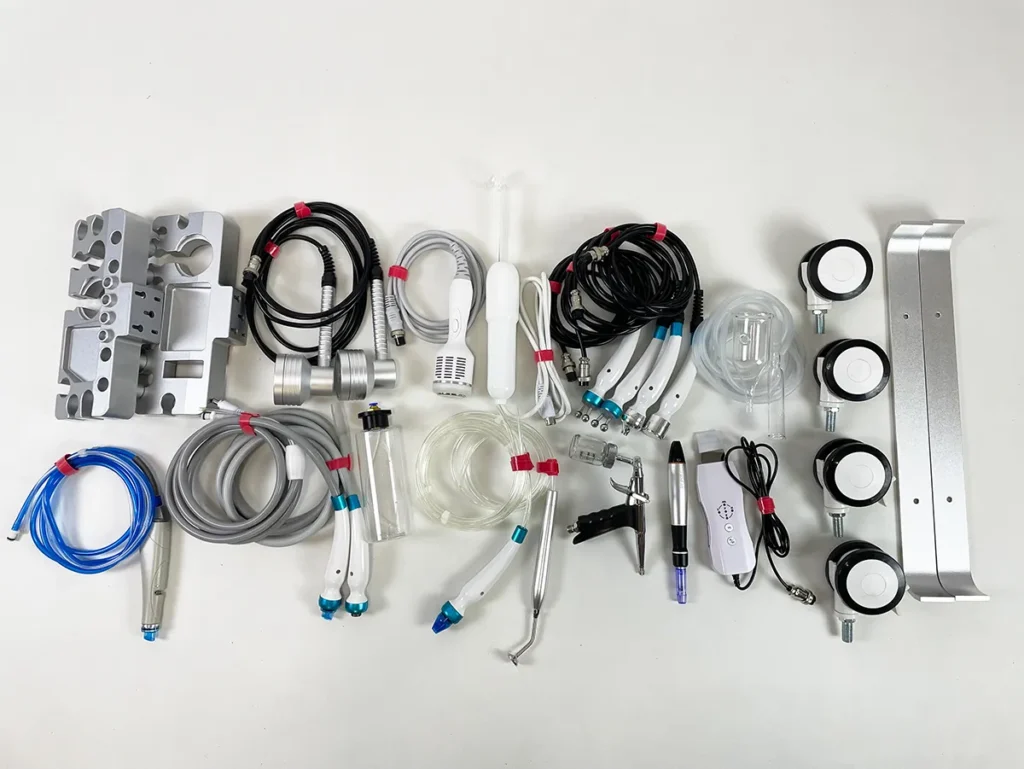
Prepare all accessories and handpieces prior to installation of the 15 in 1 Hydradermabrasion Machine..
Install Casters
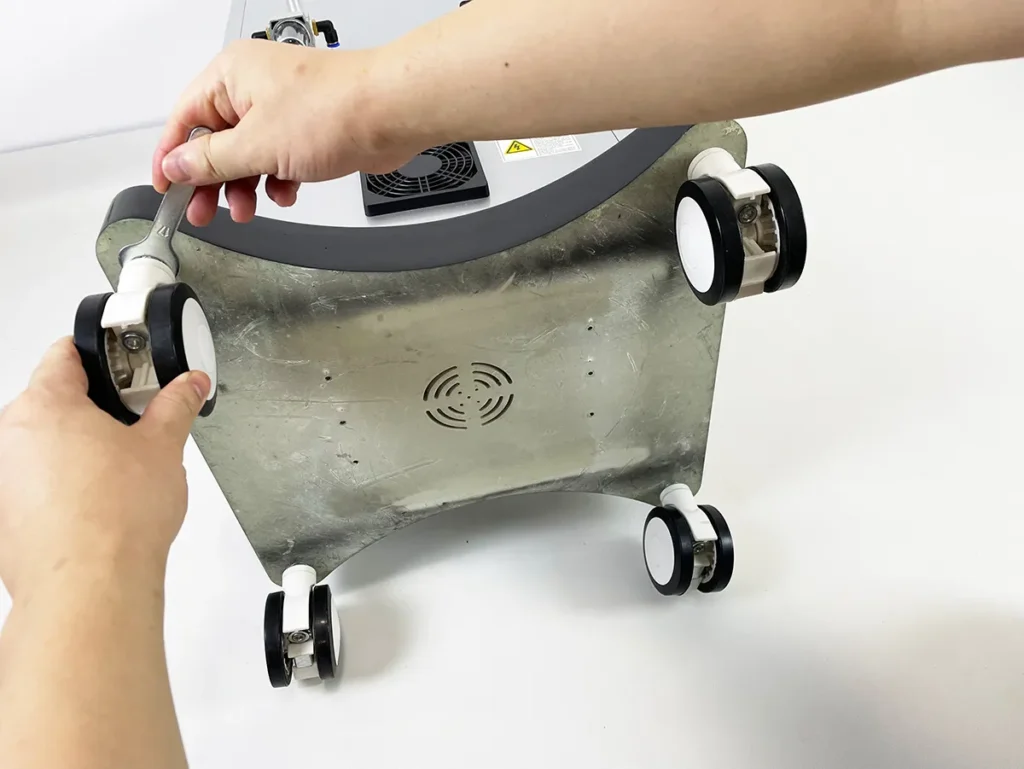
Use the supplied wrench to install the four swivel casters for the 15 in 1 Hydradermabrasion Machine.
Install Crossbeams
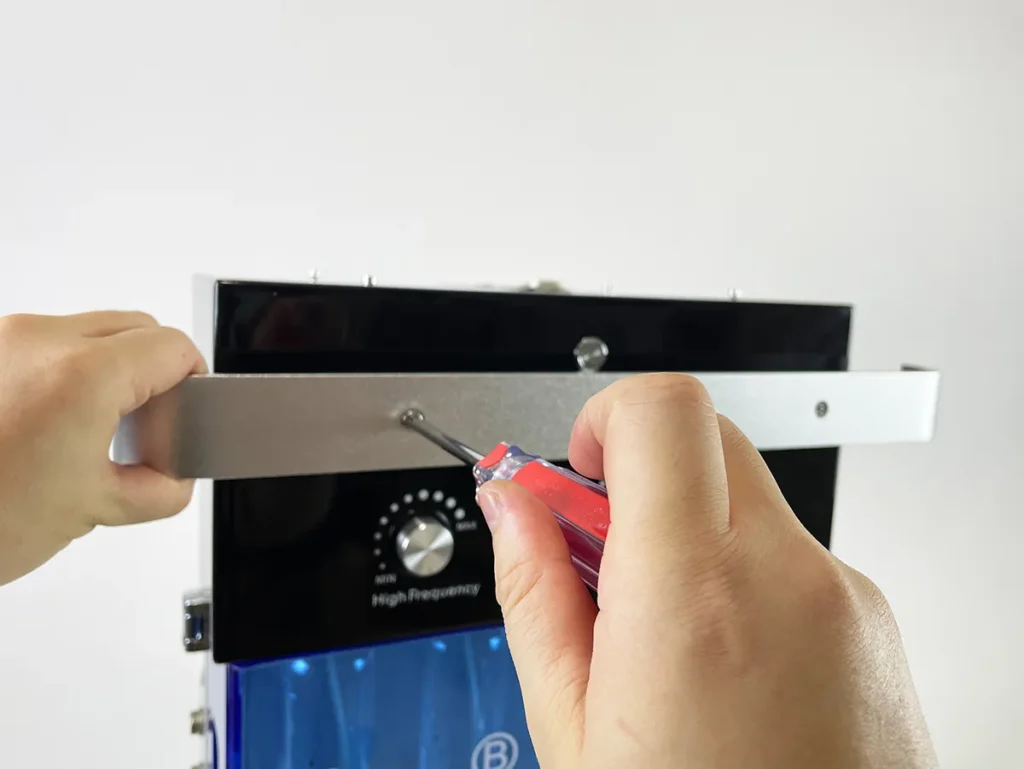
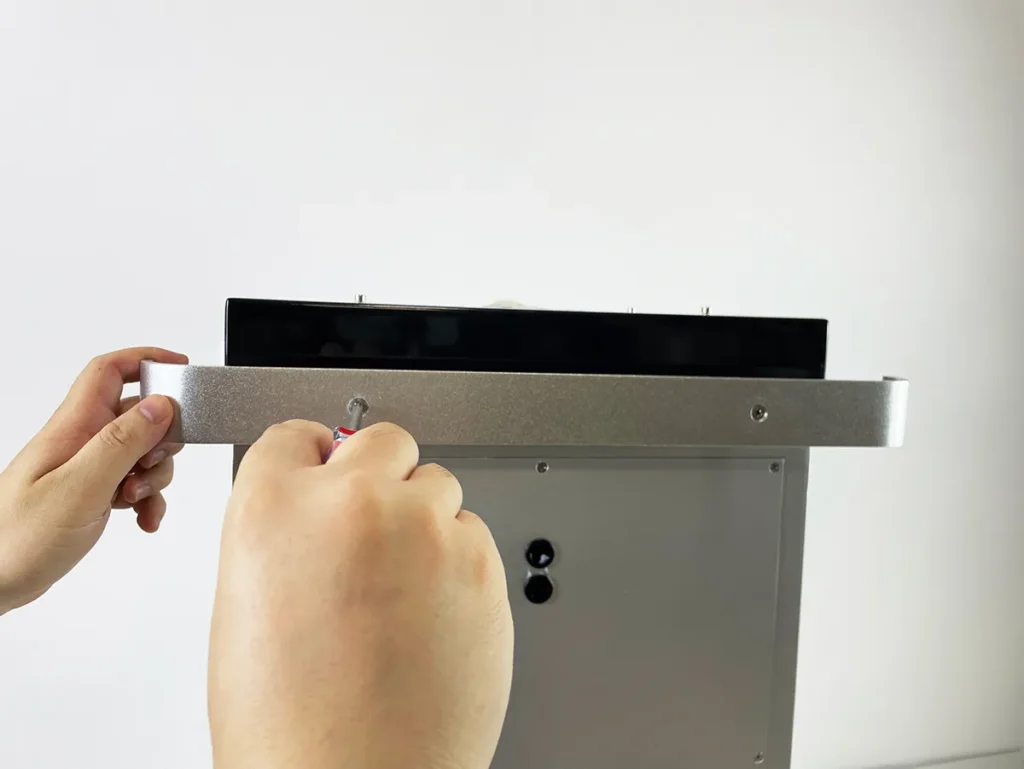
Install the front and rear crossbeams.
Install Handles Bracket
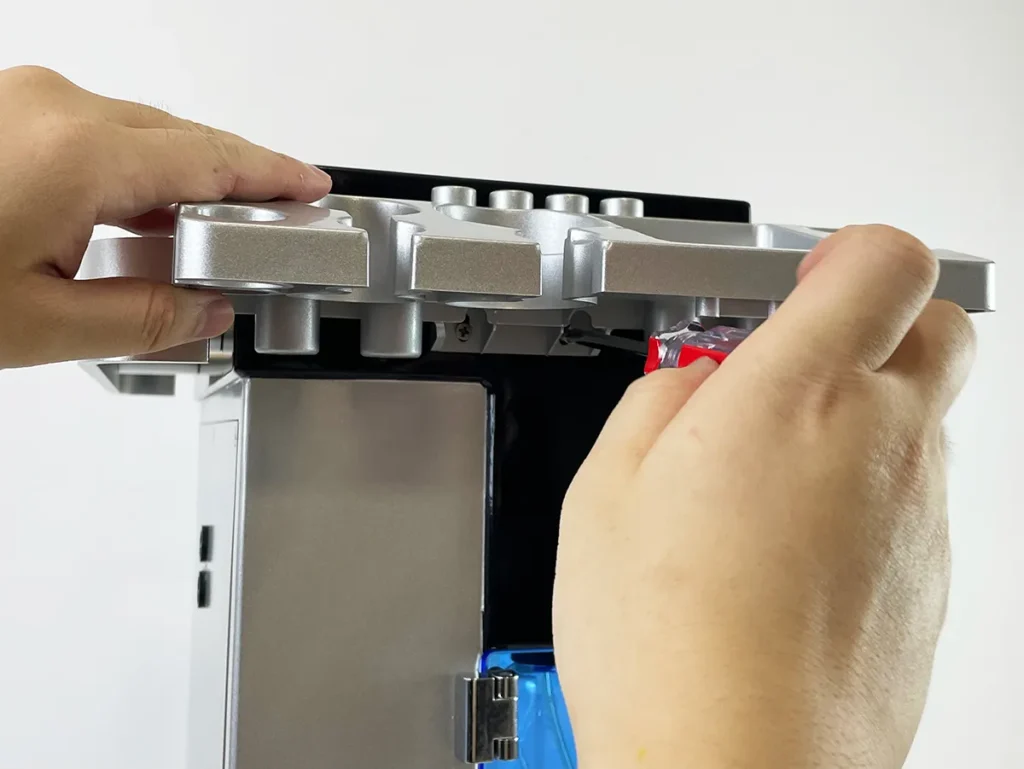
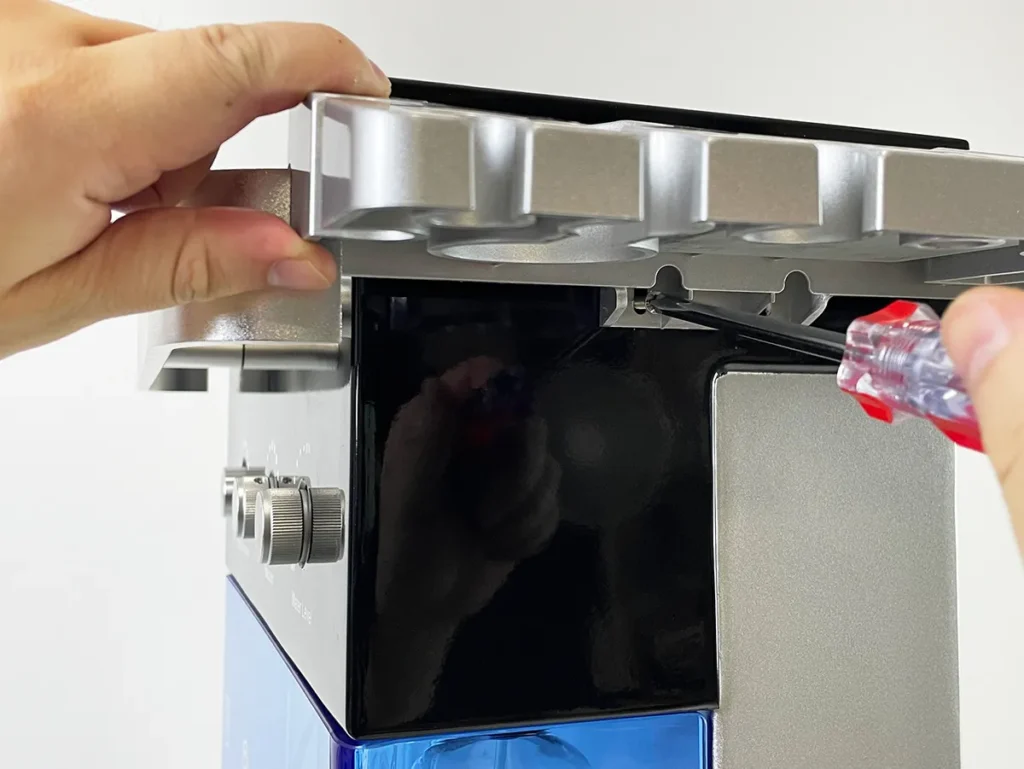
Install the handle brackets correctly. Note that the left and right brackets are different.
Install Screen Components
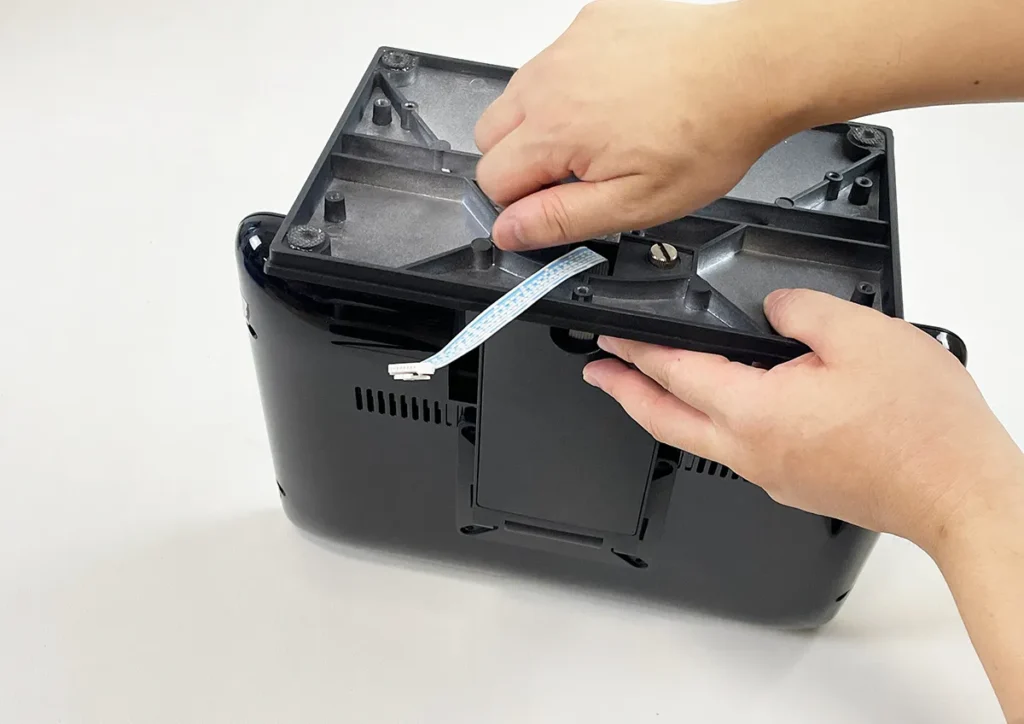
Install the screen components properly.
Install Screen
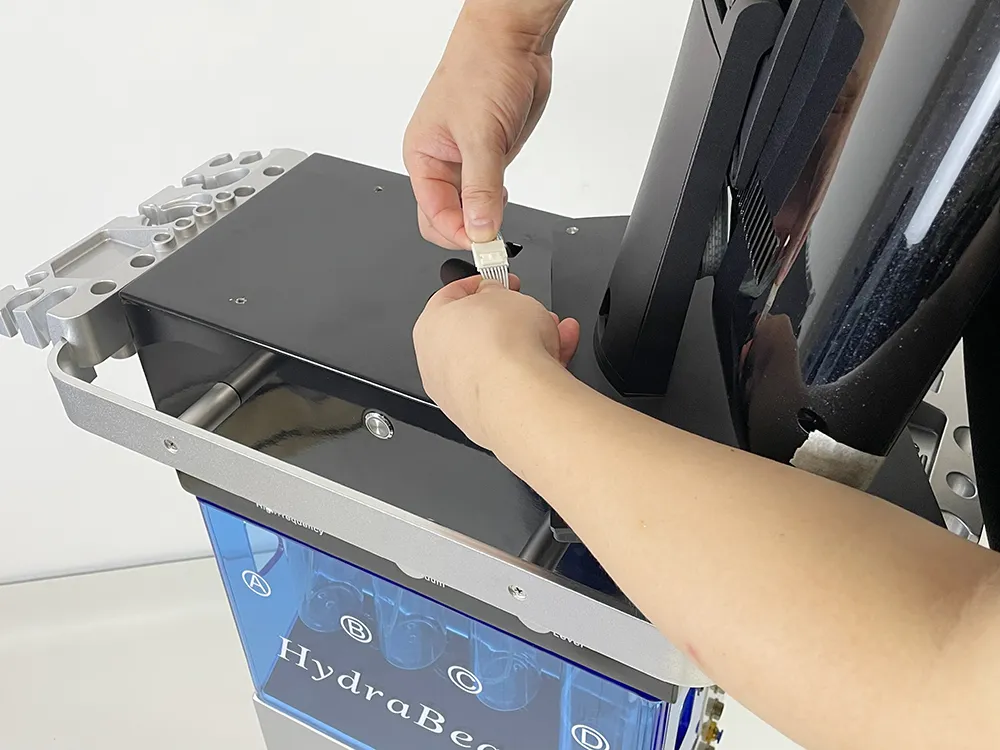
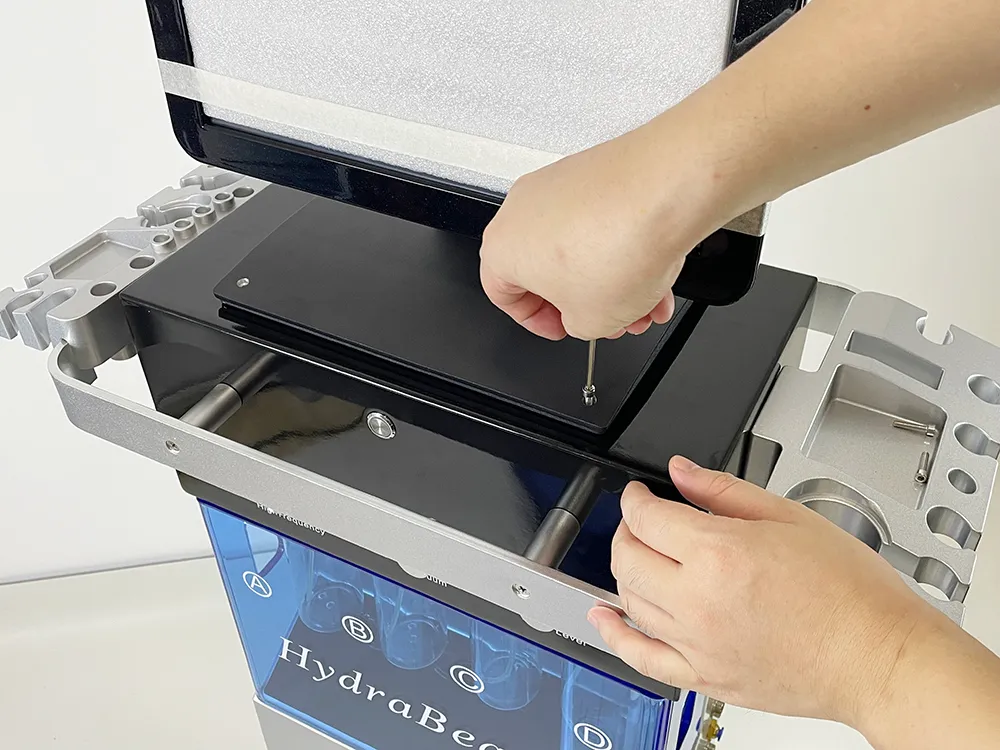
Connect the screen cable first, then secure the screen to the machine.
Install Original Hydradermabrasion Handle
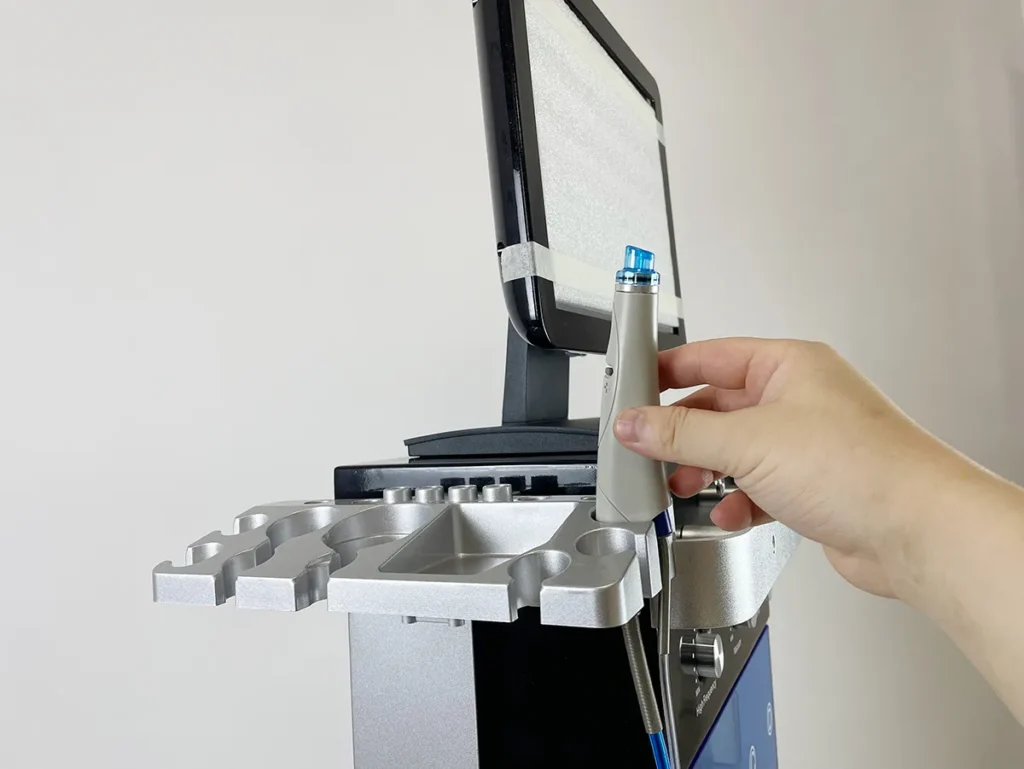
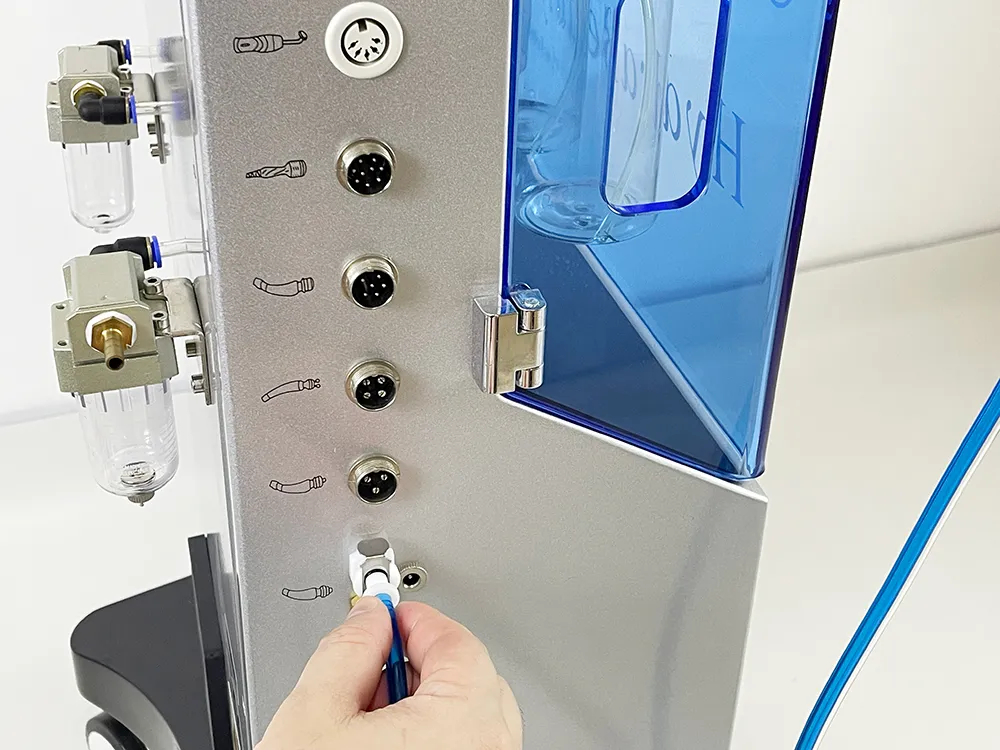
Install original hydradermabrasion handle: connect water inlet and outlet only.
Install New Hydradermabrasion Handle
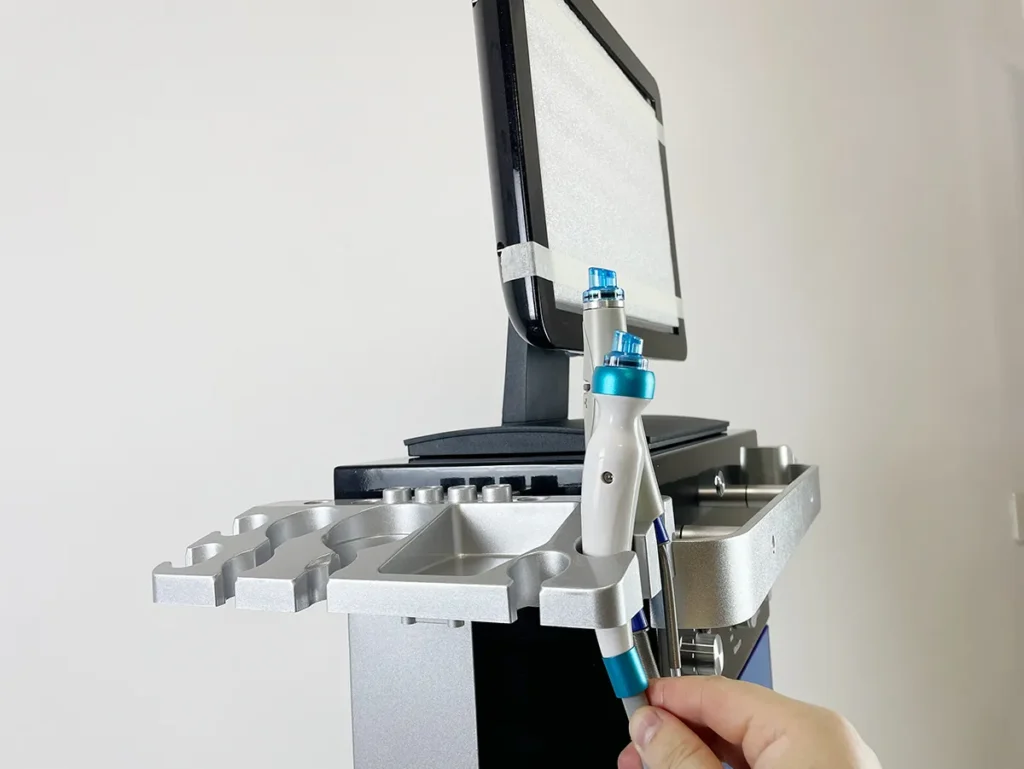
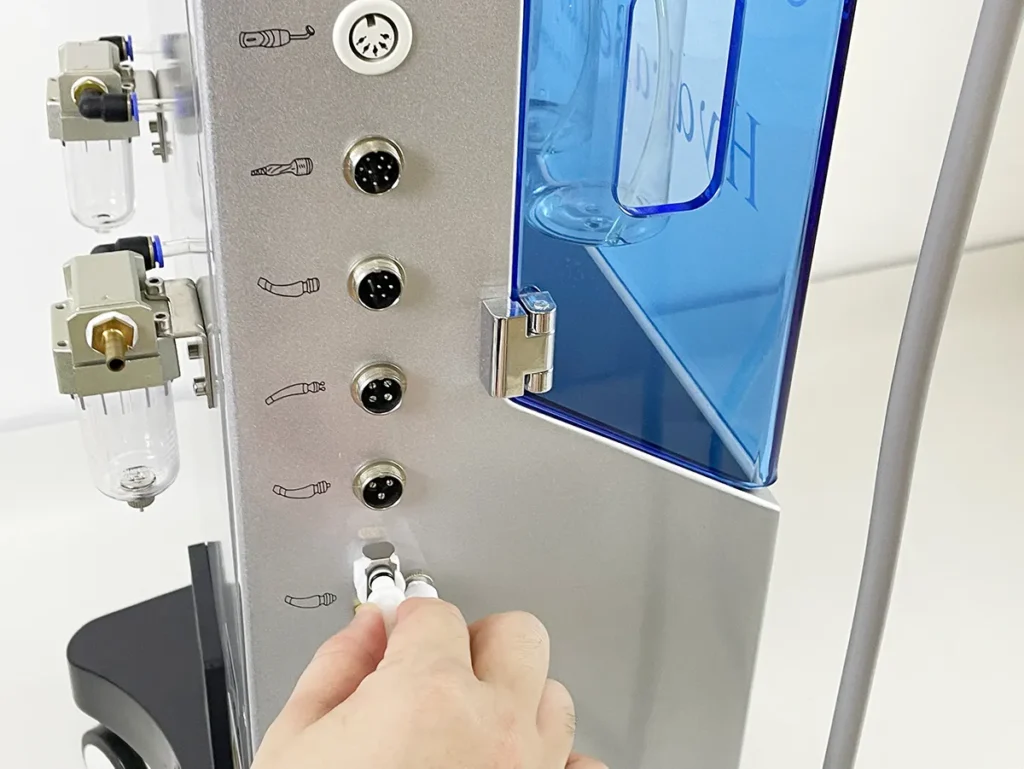
The new hydradermabrasion handle and the original hydradermabrasion handle share the same port.
Install Diamond Dermabrasion Handle
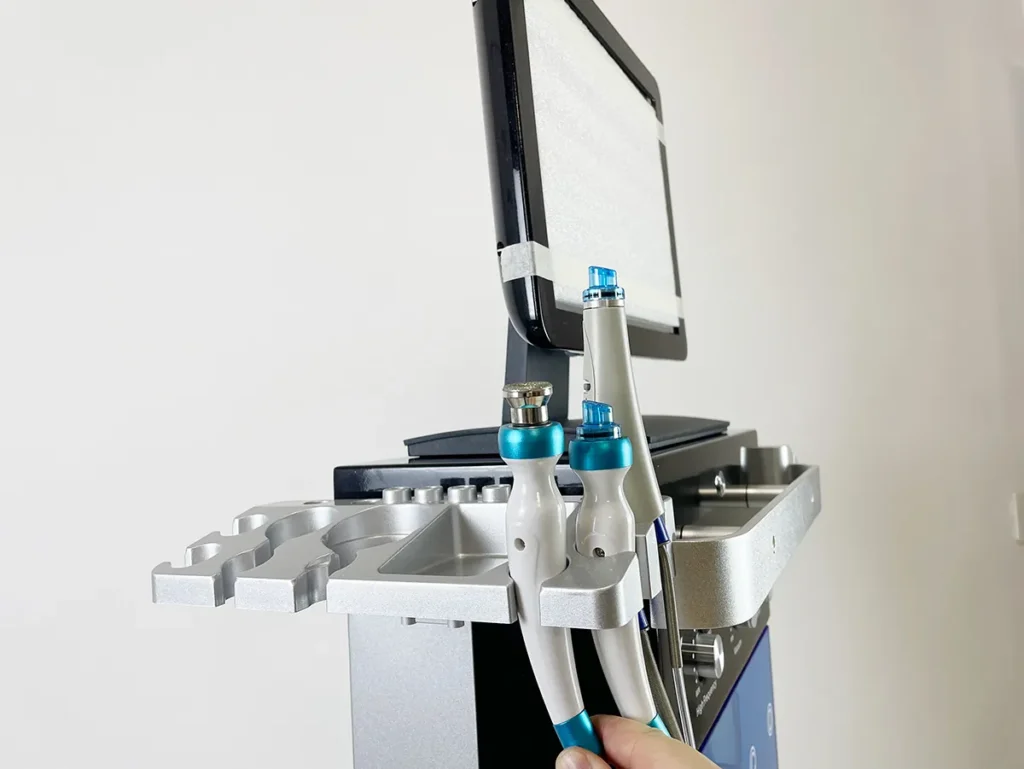
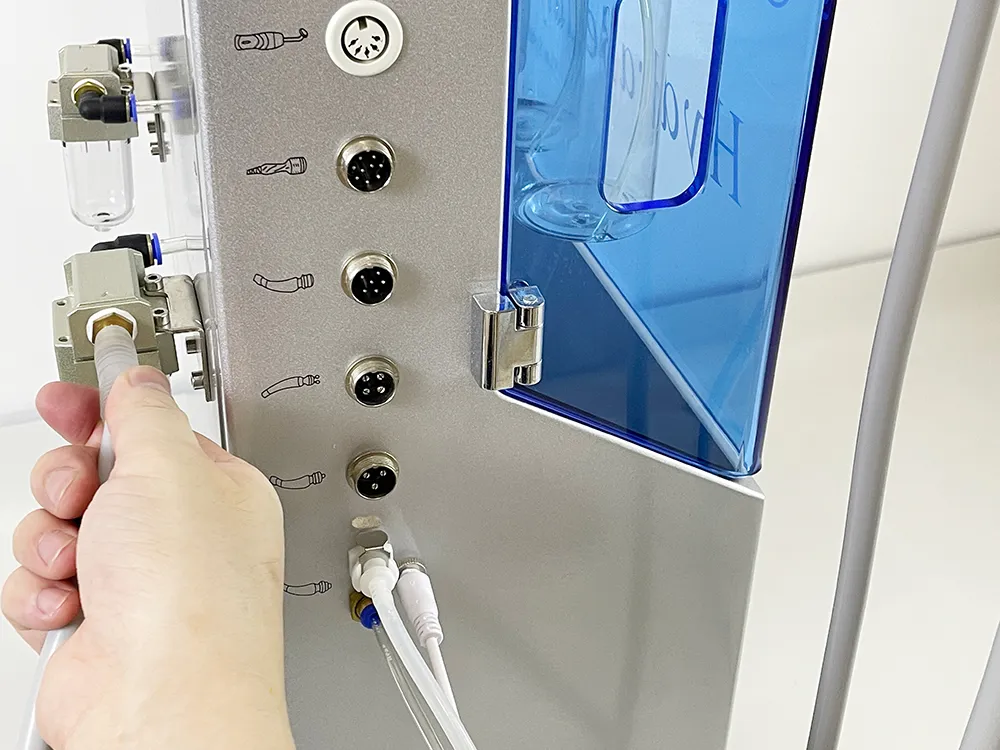
Install the diamond dermabrasion handle
Install Ice Hammer Handle
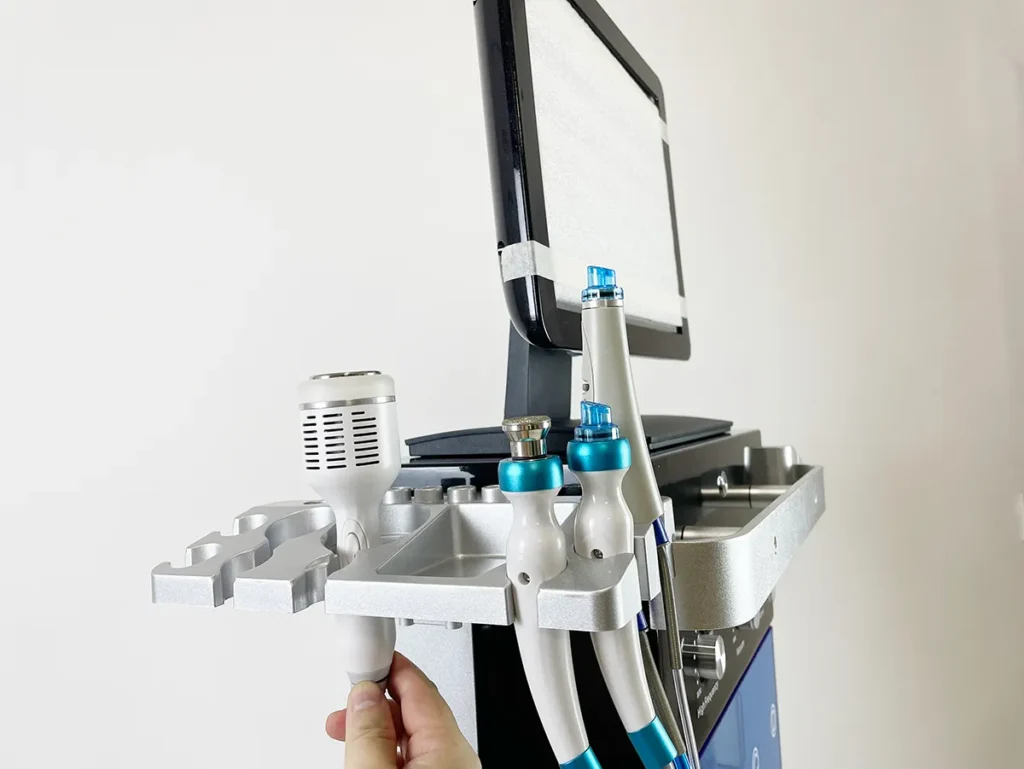
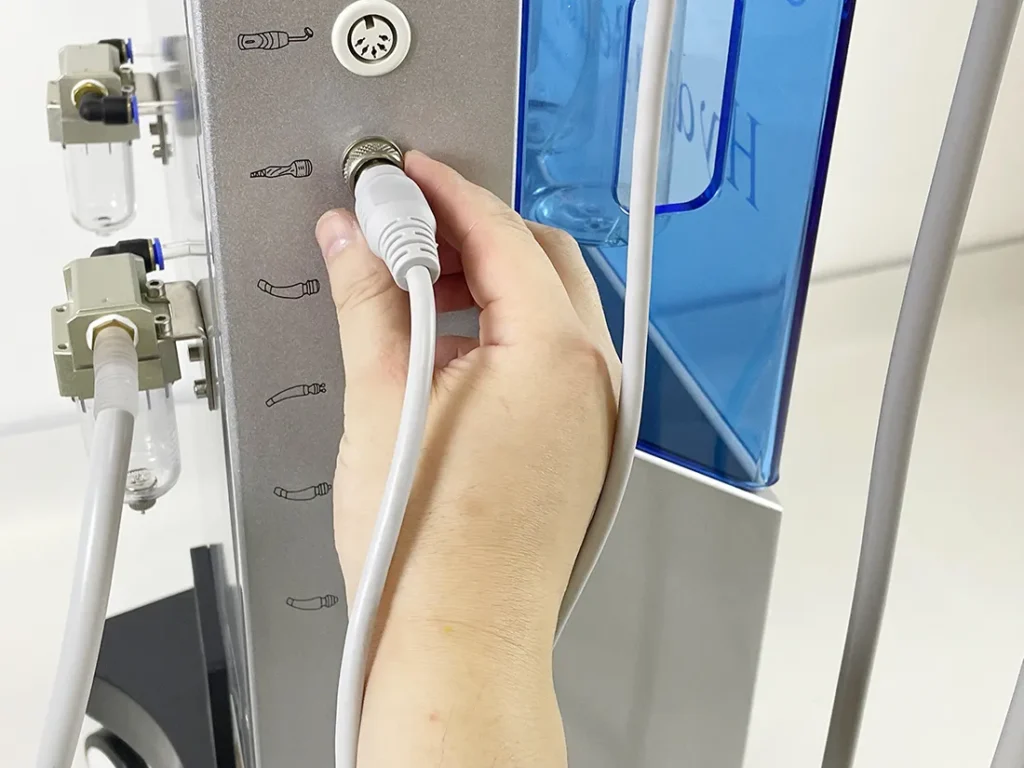
Install the ice hammer handle
Install Vacuum Pen
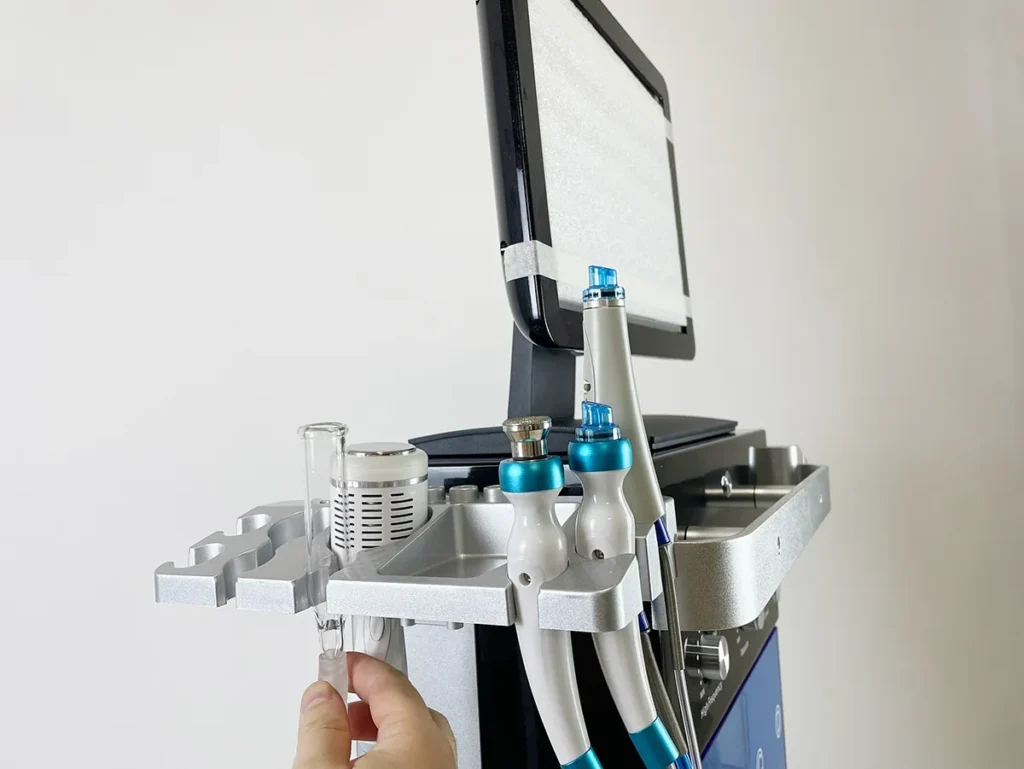
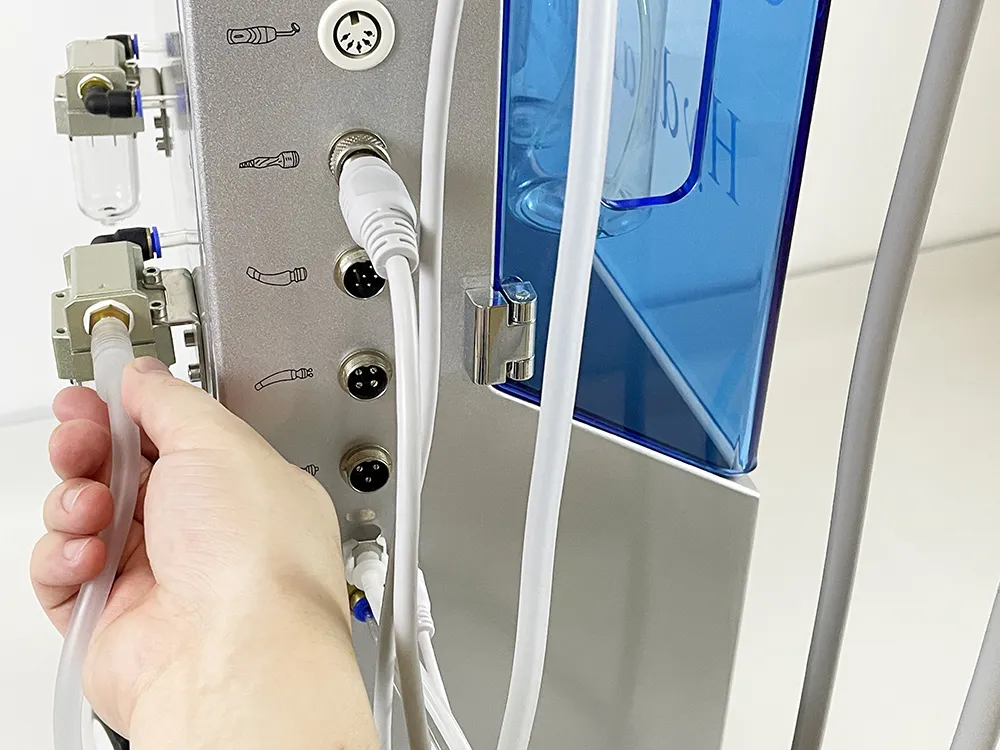
Install High-frequency Electrotherapy Handle
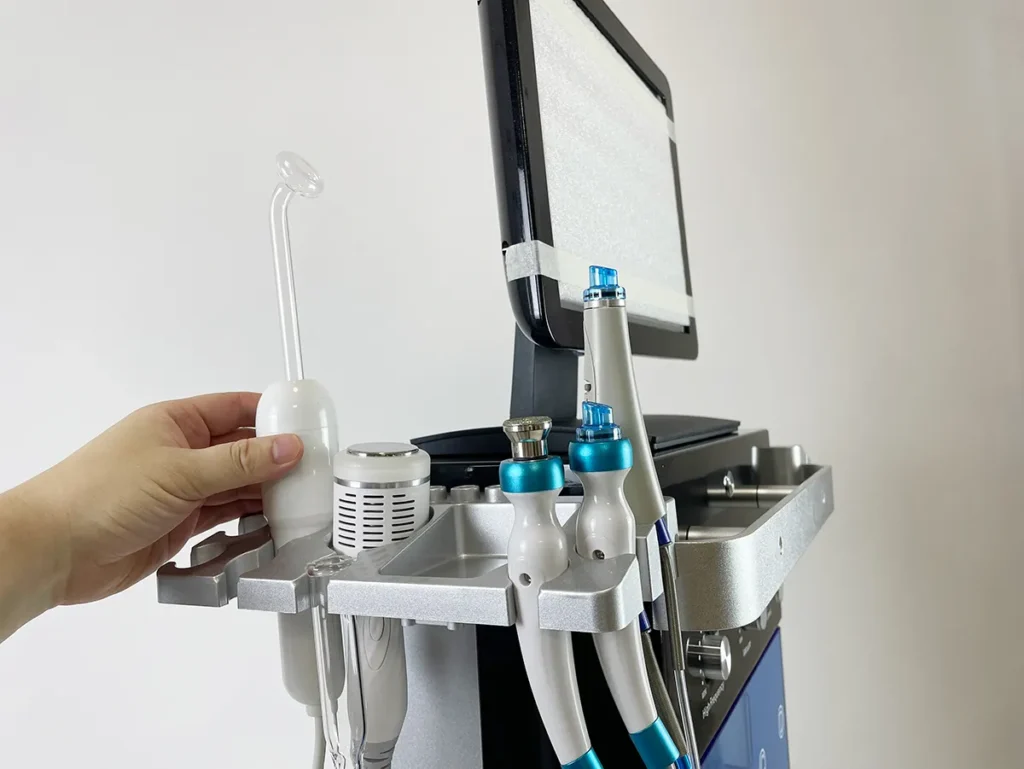
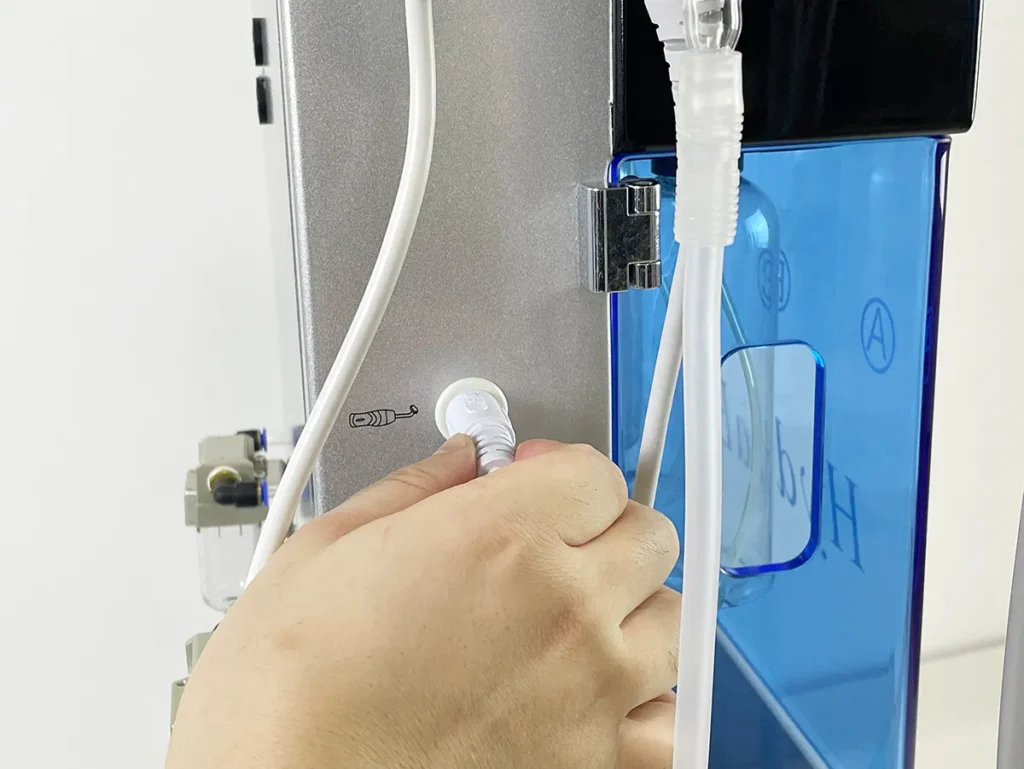
Install high-frequency electrotherapy handpiece
Install Micro-current Handle
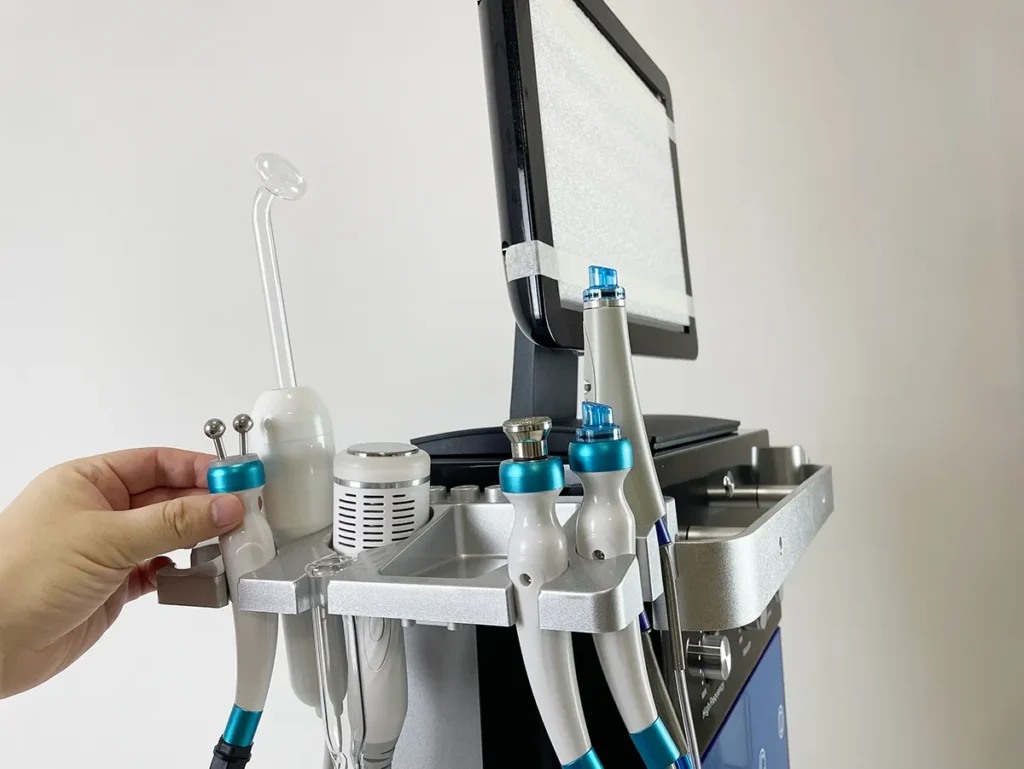
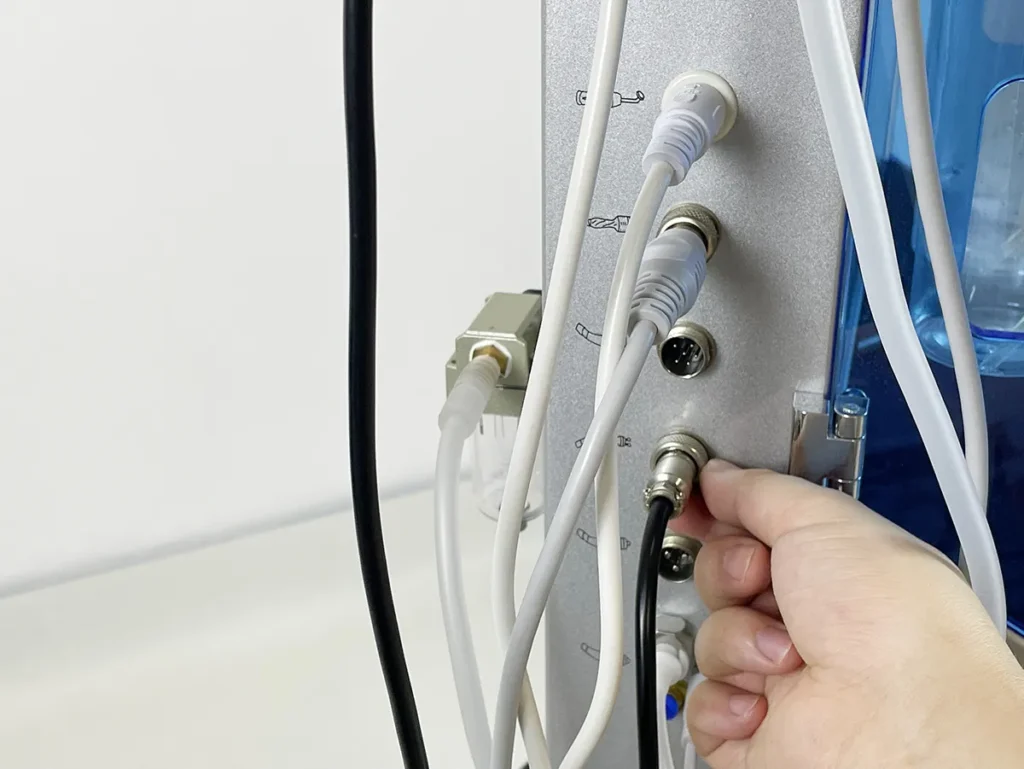
Install the micro-current handle
Install Face Ultrasound Handle
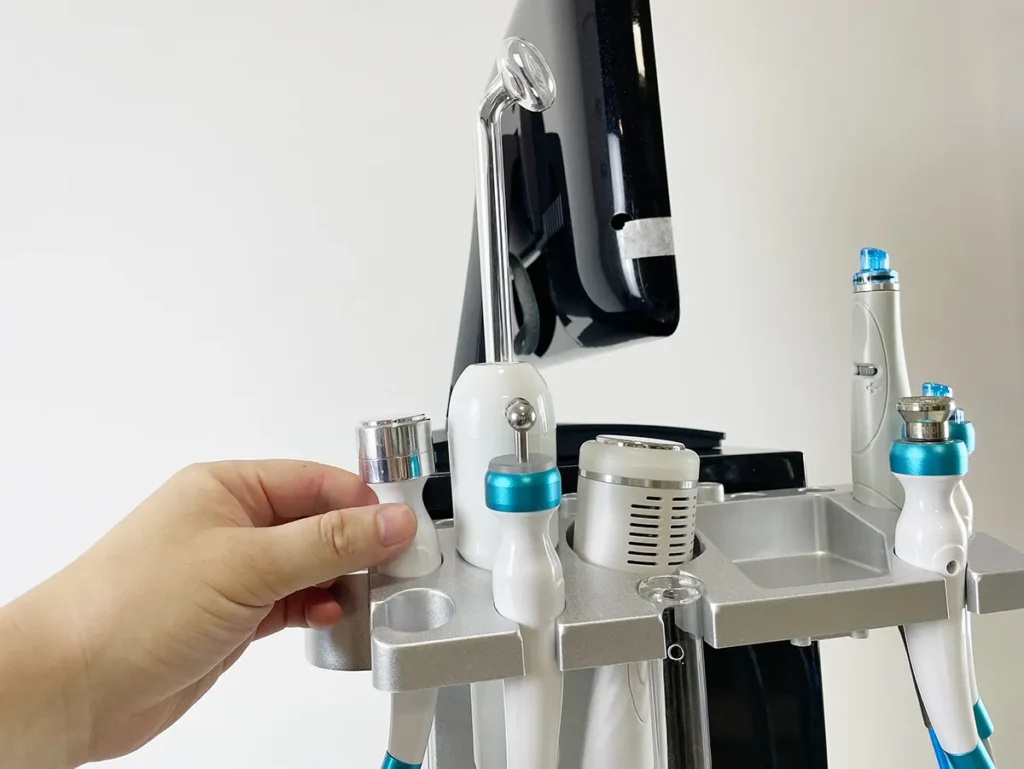
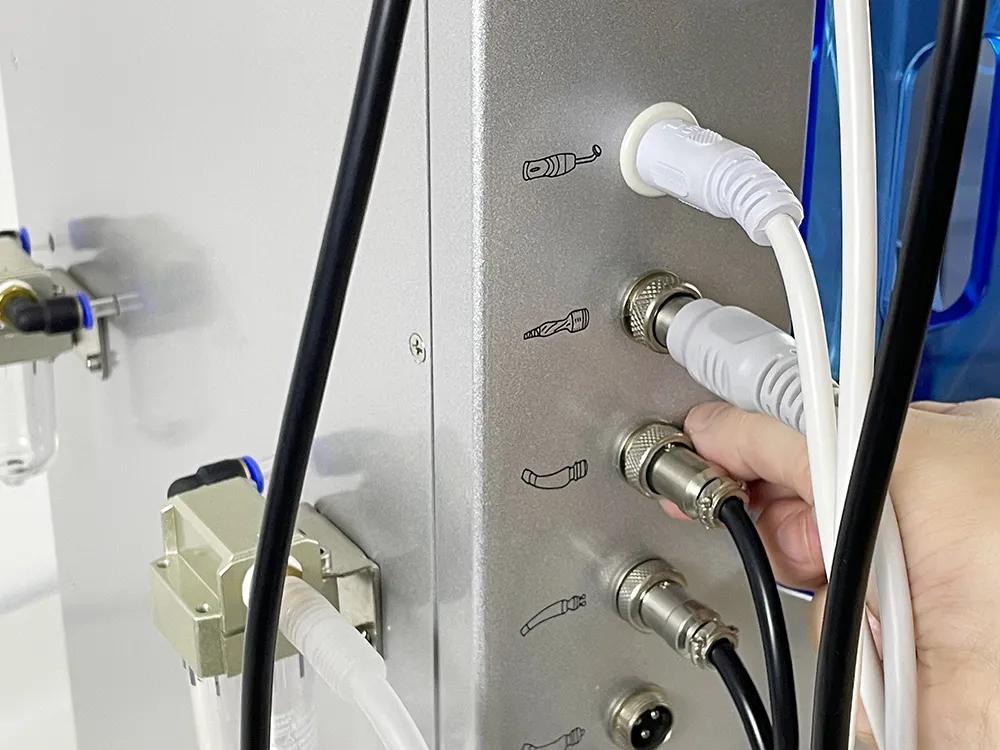
Install the face ultrasound handle
Install Eyes Ultrasound Handle
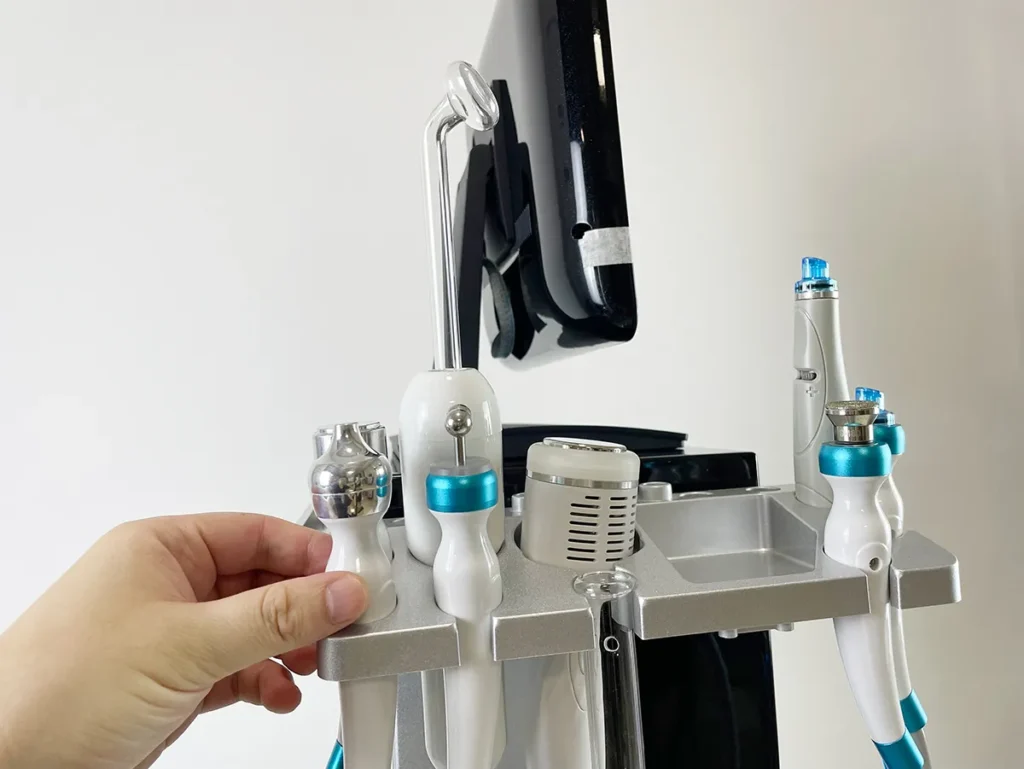
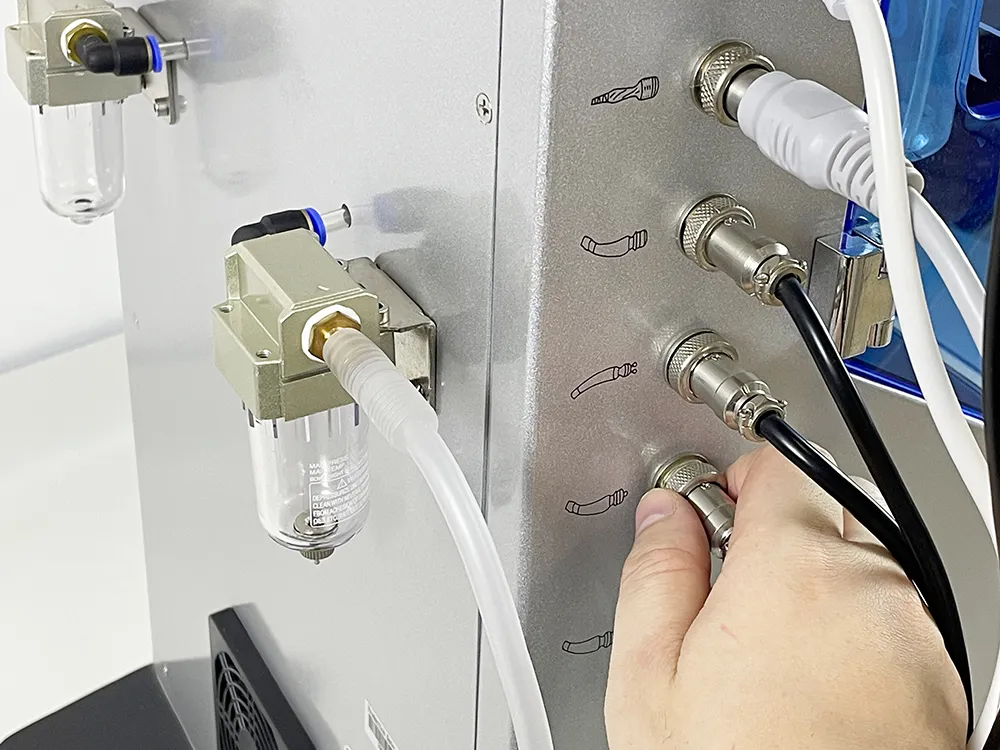
Install the eyes ultrasound handle
Install Oxygen Injection Handle
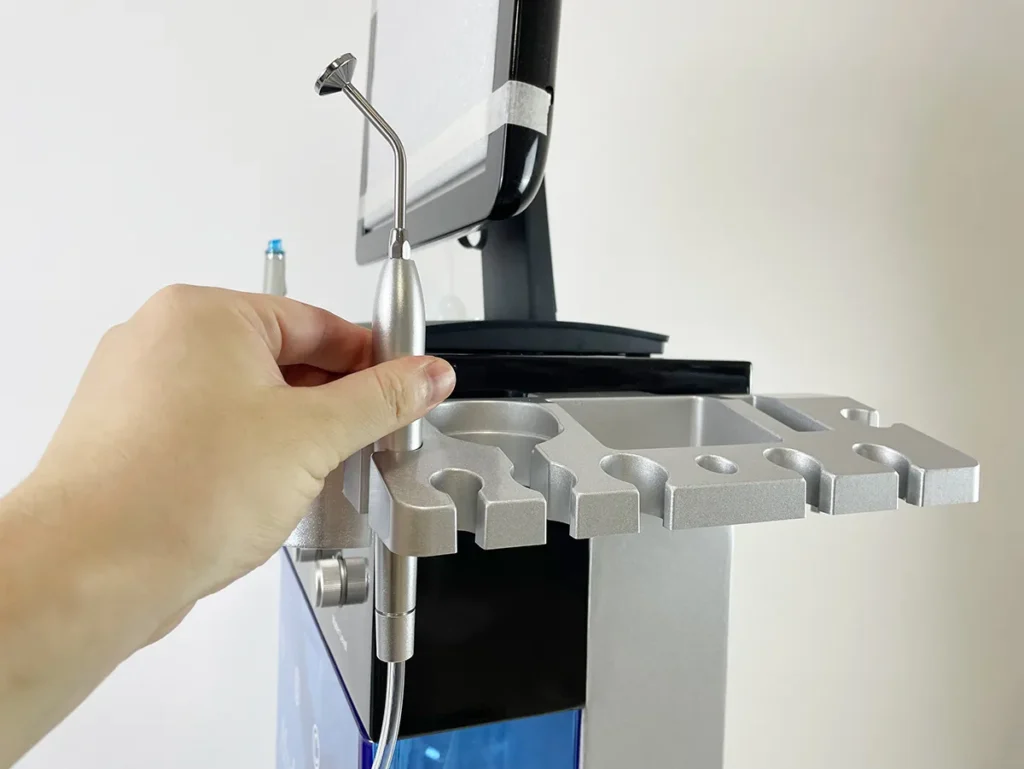
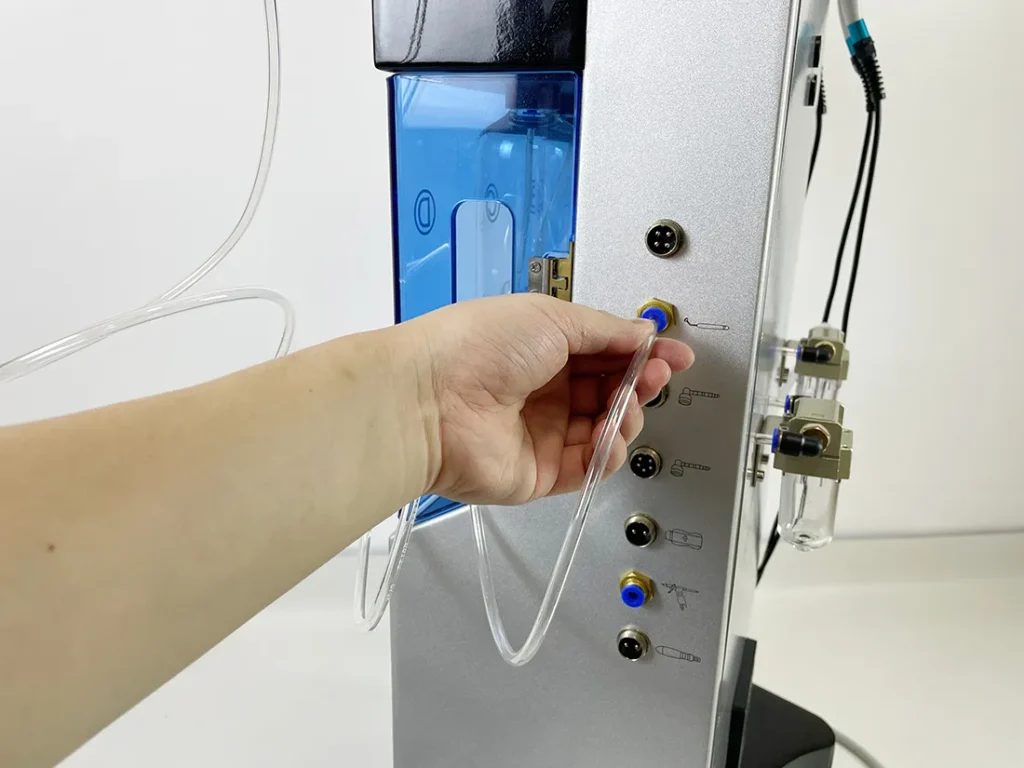
Install oxygen injection handle
Install Jet Peel Handle
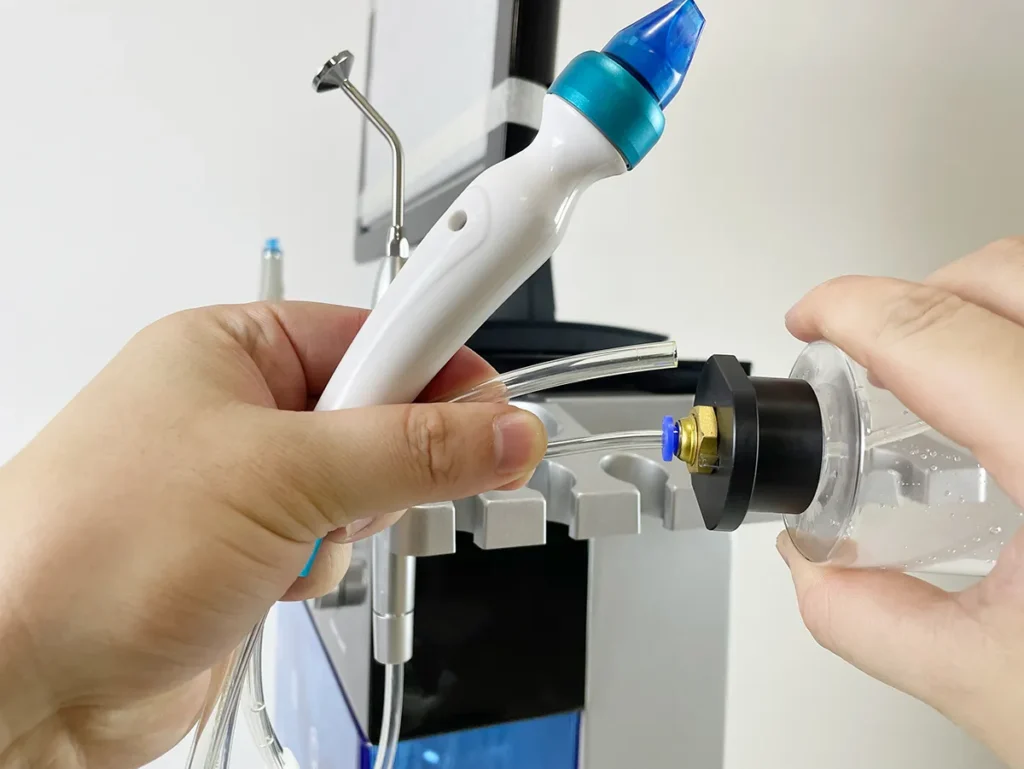
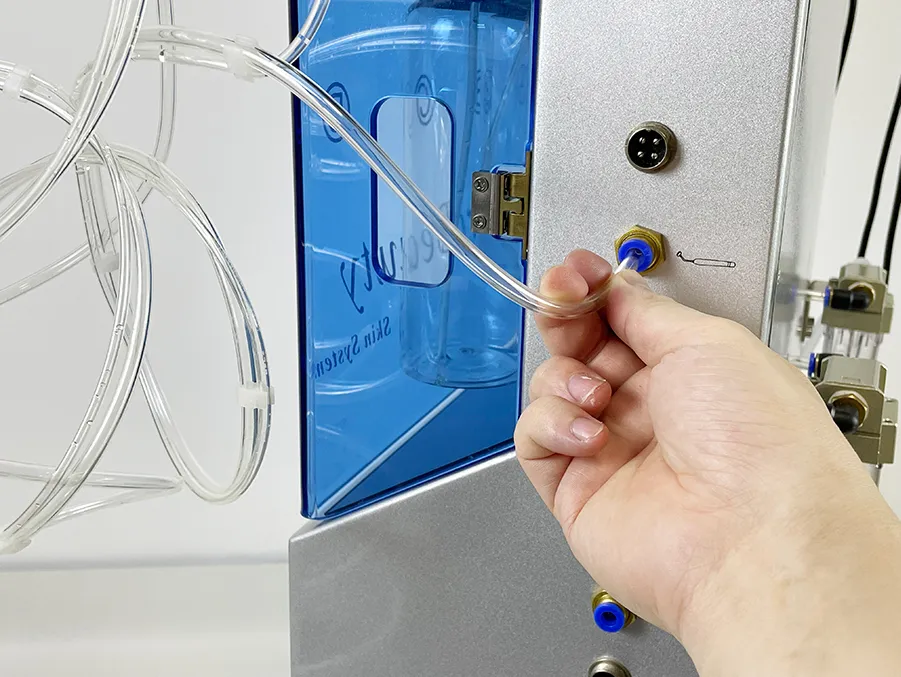
Install the saline bottle for the jet peel handle first, then connect the connectors.
Install Radio Frequency Handle
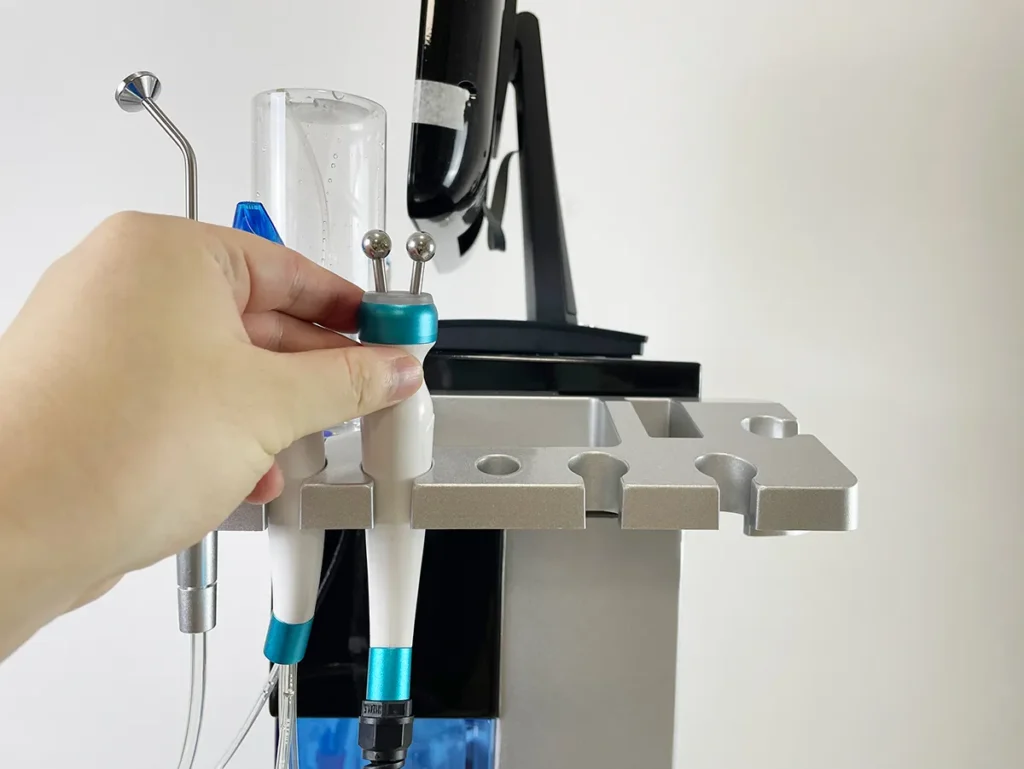
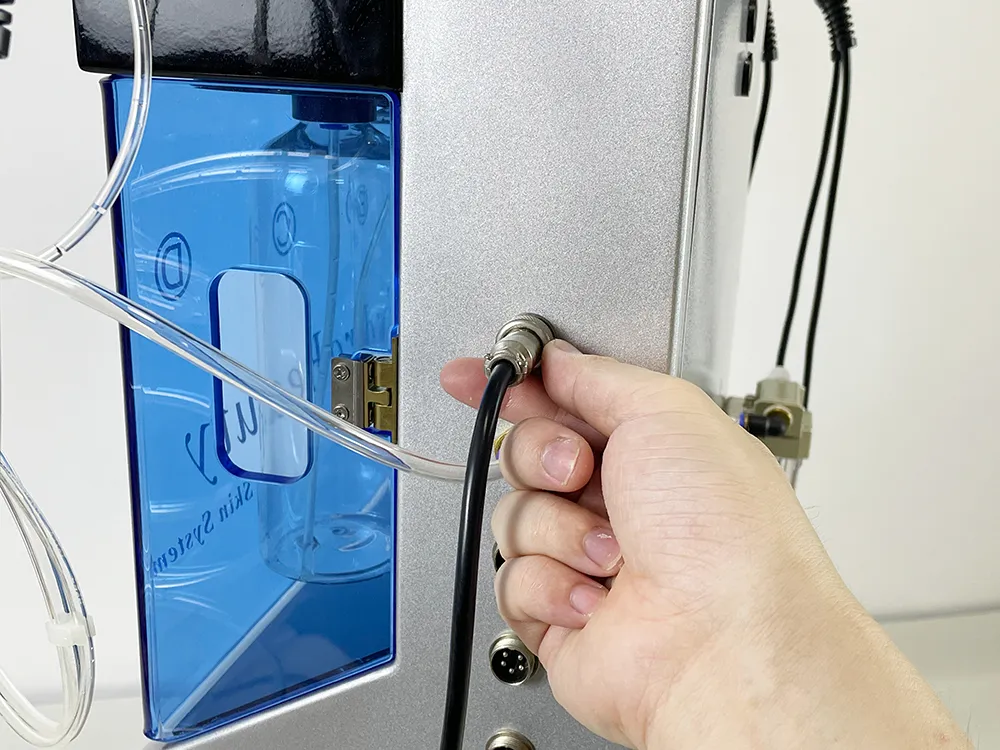
Install radio frequency handle
Install Water Spray Handle
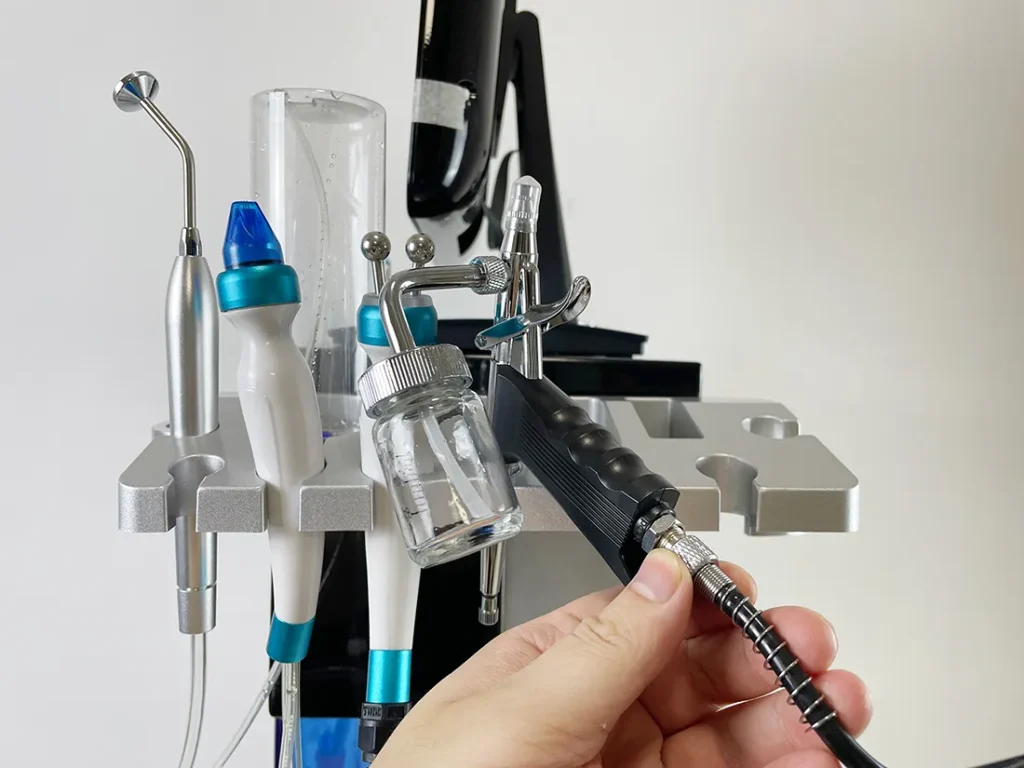
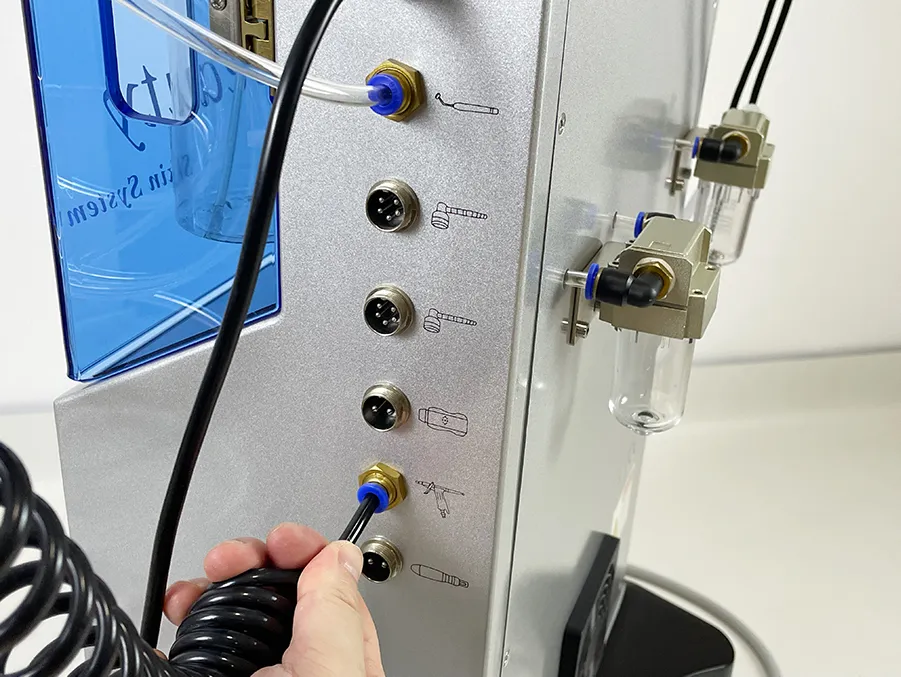
Install water spray handle
Install Dr. pen Handle
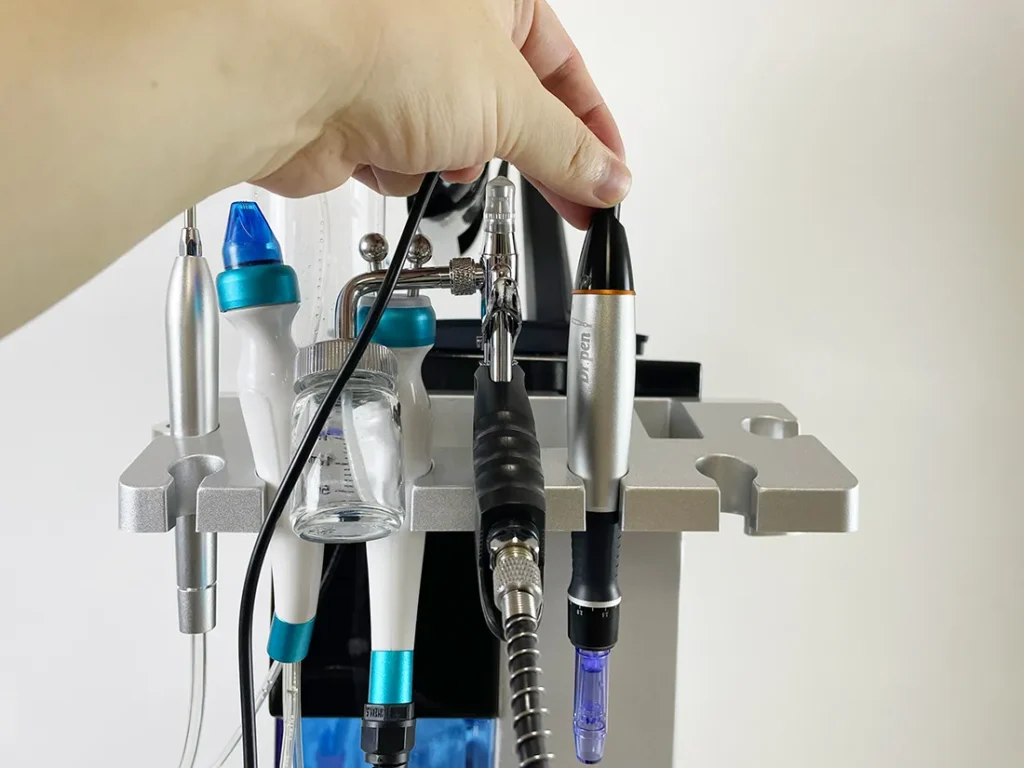
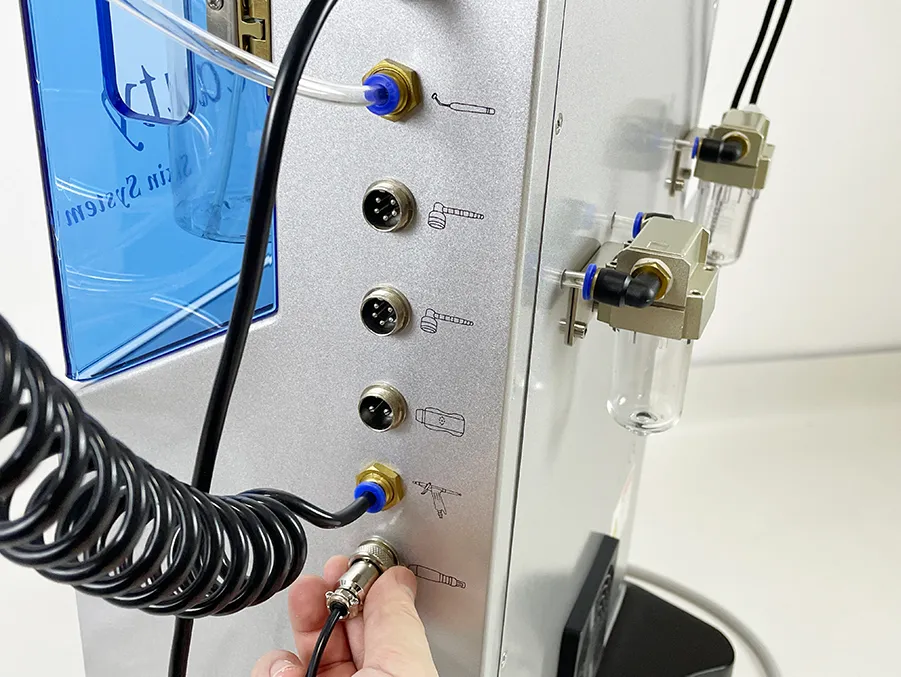
Install Dr. Pen Handle
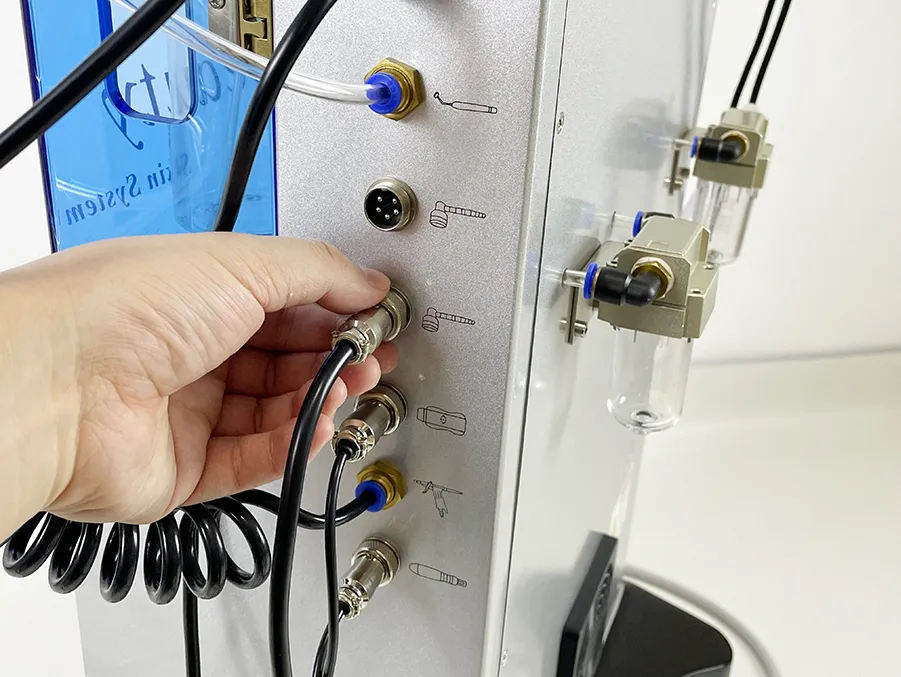
Install Skin Scrubber Handle
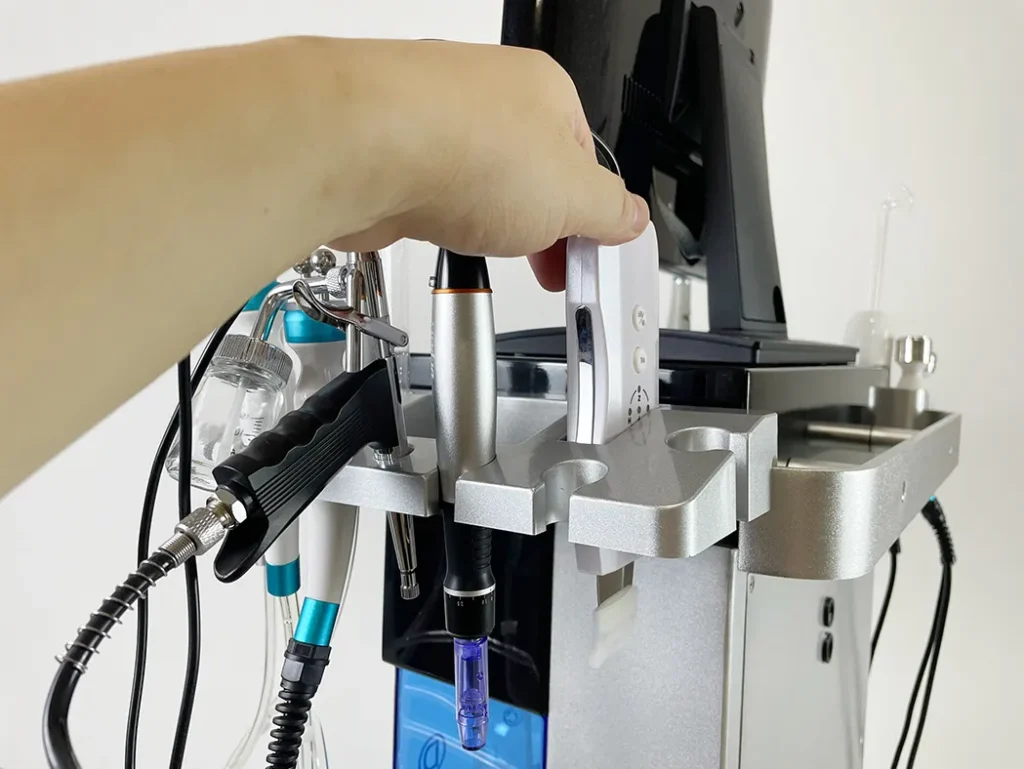
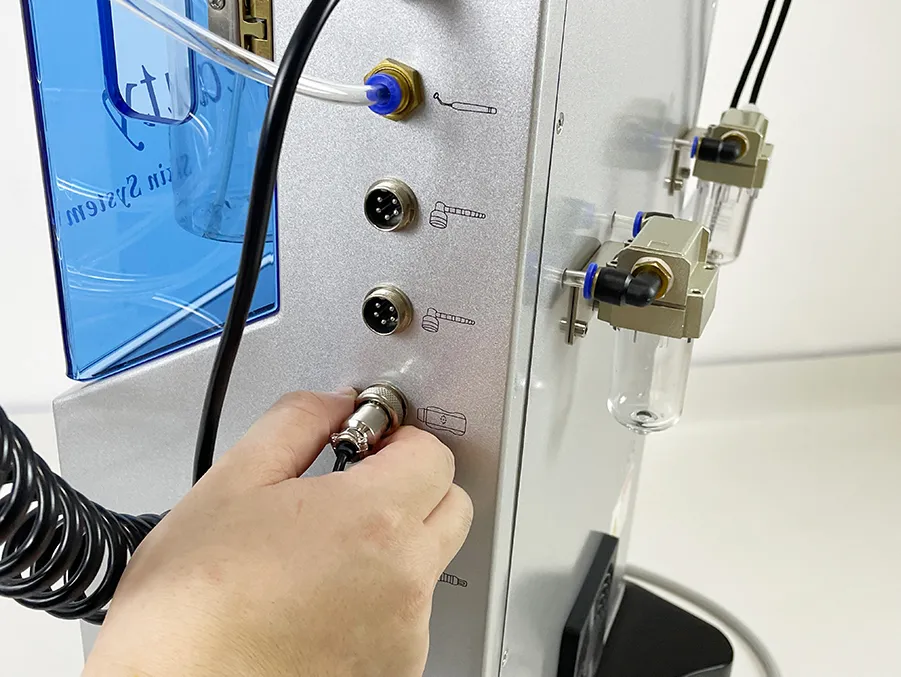
Install skin scrubber handle
Install PDT LED Handle
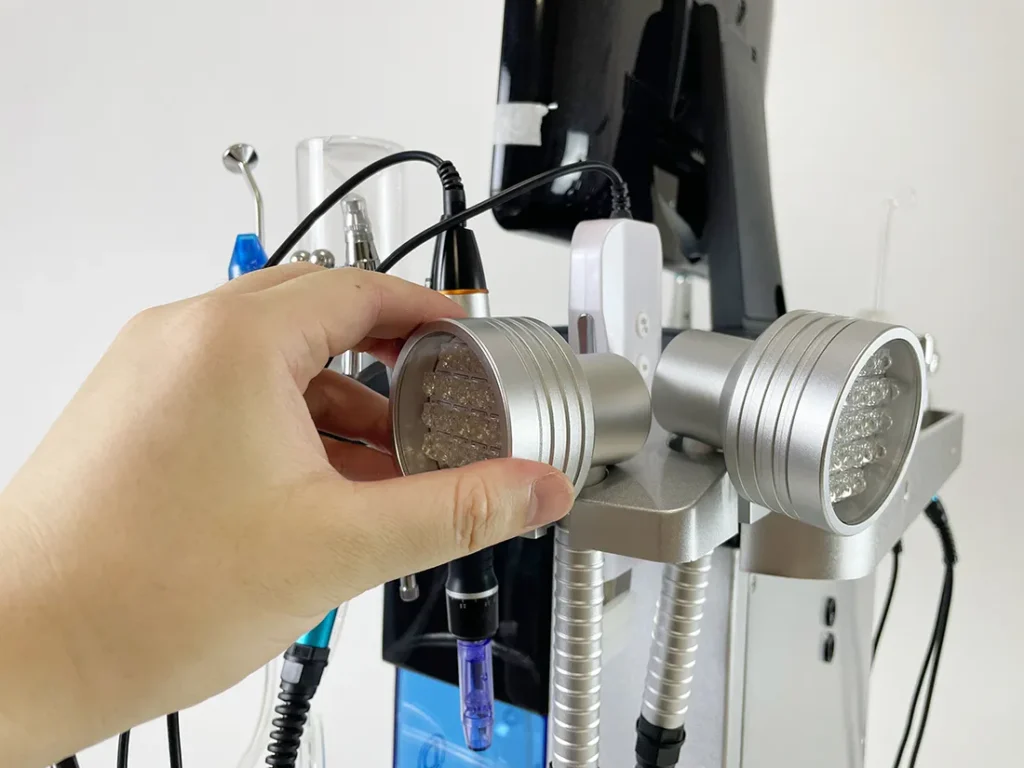
Install PDT LED handles
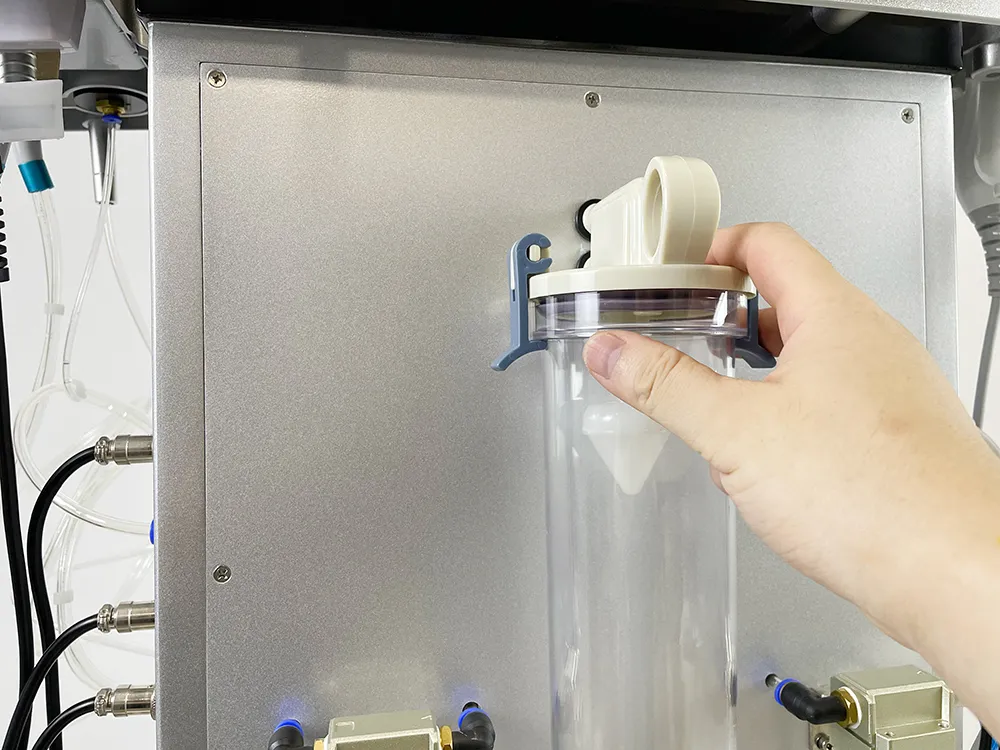
Install Waste Liquid Bottle